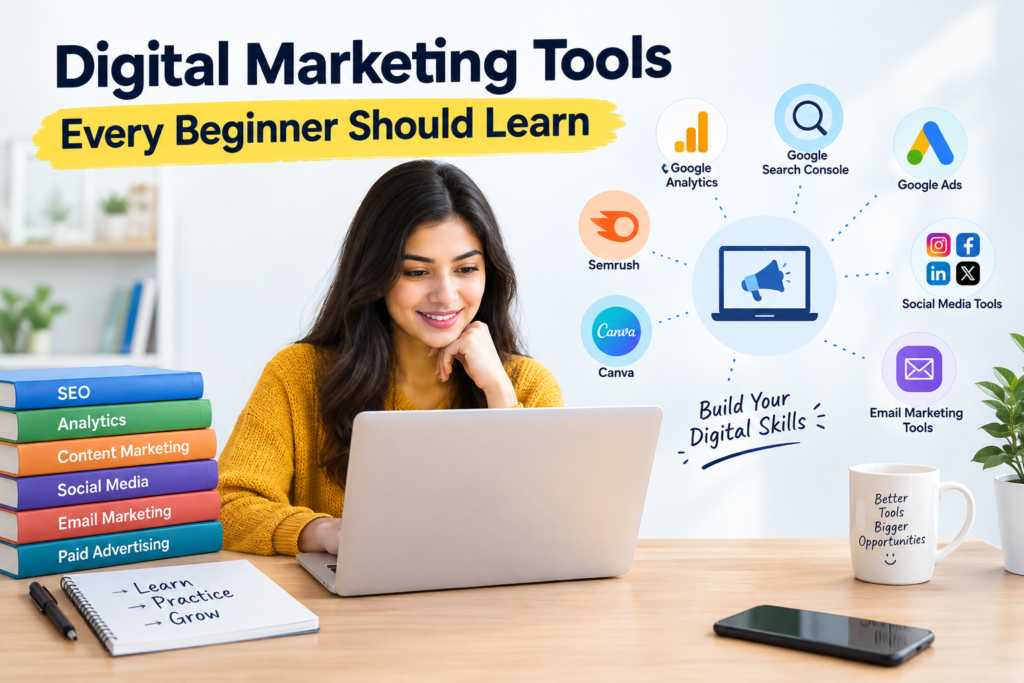
Digital marketing has become an essential skill for businesses, freelancers, content creators, and marketing professionals. Digital Marketing Tools Every Beginner Should Learn can help beginners understand important areas such as SEO, social media, content marketing, email marketing, paid advertising, and analytics. These tools make it easier to research keywords, understand audiences, track website performance, create content, and measure campaign results.
Beginners do not need to learn every marketing platform at once. They can start with essential tools such as Google Analytics, Google Search Console, Google Ads, Semrush, Canva, and email marketing platforms. Learning how each tool works and understanding the marketing problem it solves can help beginners develop practical skills. Regular practice with sample or real projects can also make the learning process more effective.
The right Digital Marketing Tools Every Beginner Should Learn can provide a strong foundation for building job-ready skills. Whether someone wants to work in SEO, content marketing, social media, paid advertising, or analytics, practical knowledge of relevant tools can improve their confidence and productivity. The key is to learn these tools gradually and apply them to realistic marketing tasks.
What Are the Digital Marketing Tools Every Beginner Should Learn?
Digital Marketing Tools Every Beginner Should Learn generally fall into several important categories. These include SEO tools, analytics platforms, keyword research tools, content creation software, social media management platforms, email marketing systems, advertising platforms, and reporting tools. Understanding these categories is more important than memorising the names of every available platform.
Beginners should first focus on tools that provide practical experience. For example, Google Analytics can help learners understand website traffic, while Google Search Console provides information about search performance. Semrush can support keyword research and competitor analysis, while Canva can help create visual content. Learning these tools together gives beginners exposure to different parts of the digital marketing process.
Essential tool categories for beginners
- SEO and Keyword Research Tools: These tools help identify search terms, analyse rankings, study competitors, and discover opportunities for improving organic visibility.
- Analytics Tools: Analytics platforms help marketers understand website visitors, traffic sources, engagement, conversions, and campaign performance. Beginners can use this information to understand whether their marketing activities are producing useful results.
- Content Creation Tools: Visual design platforms such as Canva help marketers create social media graphics, blog images, presentations, advertisements, and other marketing materials.
- Social Media Tools: Social media management platforms can help marketers schedule posts, organise content calendars, monitor engagement, and manage multiple platforms.
- Advertising Tools: Platforms such as Google Ads and Meta Ads Manager introduce beginners to paid search, display advertising, social advertising, targeting, budgets, bidding, and conversion tracking.
- Email Marketing Tools: Email platforms allow marketers to create newsletters, manage subscriber lists, build automated campaigns, and monitor metrics such as open and click rates.
Which SEO Tools Should a Beginner Learn First?
For anyone entering SEO, Digital Marketing Tools Every Beginner Should Learn should include platforms that support keyword research, website analysis, search performance monitoring, and competitor research. Google Search Console is an excellent starting point because it provides first-party information about how a website appears in Google Search. Beginners can use it to understand queries, impressions, clicks, indexing, and search performance.
Semrush is another useful platform for learners who want to develop broader SEO skills. It can support keyword research, competitor analysis, site auditing, backlink research, and other SEO activities. Beginners do not need to learn every feature immediately. It is better to understand a few important functions properly and then gradually explore advanced features.
SEO tools worth practicing
- Google Search Console: Learn how to check search queries, impressions, clicks, average position, indexing information, and website issues. This is one of the most useful tools for understanding organic search performance.
- Google Keyword Planner: This tool can help beginners discover keyword ideas and understand search demand for advertising and research purposes.
- Semrush: Semrush provides several SEO and digital marketing functions, including keyword research, competitor research, backlink analysis, and site auditing.
- Ahrefs: Ahrefs is widely used for SEO research, particularly backlink analysis, keyword research, content research, and competitor analysis. Learning its basic functions can help beginners understand how websites build authority and organic visibility.
- Google Trends: Beginners can use Google Trends to compare topics, identify seasonal interest, and understand whether a keyword or subject is becoming more or less popular.
- Screaming Frog SEO Spider: This crawler can help learners understand technical SEO concepts such as broken links, redirects, title tags, meta descriptions, headings, and crawlable pages.
How Can Google Tools Help Beginners Learn Digital Marketing?
Google provides several platforms that are especially useful for people learning digital marketing. Digital Marketing Tools Every Beginner Should Learn should include Google Analytics, Google Search Console, Google Ads, Google Keyword Planner, and Google Trends because these tools cover several important areas of online marketing. Learning them can also help beginners understand how organic search, paid advertising, website traffic, and user behaviour connect.
Google Analytics is particularly useful for learning website measurement. A beginner can explore where visitors come from, which pages receive traffic, how users interact with a website, and which actions are considered conversions. Google Search Console complements this information by focusing more directly on a website’s performance in Google Search.
Google tools beginners should practise
- Google Analytics: Digital Marketing Tools Every Beginner Should Learn should include analytics because marketers need measurable evidence to evaluate campaigns.
- Google Search Console: Practise checking search queries, clicks, impressions, indexing, and technical issues. This can help beginners connect SEO activities with actual search performance.
- Google Ads: Learn the fundamentals of campaigns, ad groups, keywords, targeting, bidding, budgets, and ad copy. Beginners should initially focus on understanding campaign structure rather than trying to manage large advertising budgets.
- Google Keyword Planner: Use it to explore keyword ideas and understand commercial search terms. It can also help beginners see how keyword research supports both SEO and paid search strategies.
- Google Trends: Compare topics and search interest across different periods or locations. This can help marketers make better content decisions instead of relying only on assumptions about audience interests.
- Looker Studio: Learn how to turn marketing data into visual reports and dashboards. This skill can be particularly useful for SEO executives, digital marketing executives, and agency professionals who need to present campaign performance clearly.
Which Content and Design Tools Should Digital Marketing Beginners Use?
Content is central to digital marketing, which makes content creation platforms another important part of Digital Marketing Tools Every Beginner Should Learn. Marketers may need to create blog graphics, social media posts, presentations, advertisements, infographics, thumbnails, and other visual assets. Learning a simple design platform can therefore make a beginner more independent and productive.
Canva is particularly beginner-friendly because it provides templates and design features that do not require advanced graphic design knowledge. Beginners can practise creating consistent social media graphics, blog featured images, presentations, and advertising creatives. Other tools such as Grammarly and Google Docs can also support content development by improving writing, editing, collaboration, and document management.
Content and design tools to practise
- Canva: Digital Marketing Tools Every Beginner Should Learn should include at least one visual design tool because modern marketing relies heavily on visual communication.
- Google Docs: Use it for writing blog articles, preparing content briefs, collaborating with teams, and maintaining content drafts. It is also useful for learning professional content workflows.
- Grammarly: Beginners can use grammar and writing suggestions to improve clarity and readability. However, marketers should always review suggestions themselves rather than accepting every automated recommendation.
- Adobe Express: This platform can help beginners create social graphics, promotional visuals, and other branded content. It can be useful for learners who want to explore an alternative to Canva.
- ChatGPT: AI tools can support brainstorming, outlining, research organisation, content ideas, and marketing workflows. Beginners should use AI as an assistant and verify important information before publishing it.
- Google Sheets: Spreadsheets are valuable for keyword lists, content calendars, campaign tracking, competitor research, and marketing reports. Strong spreadsheet skills can make digital marketing work much easier to organise.
What Social Media and Email Marketing Tools Should Beginners Learn?
Social media and email marketing require more than simply publishing content. Digital Marketing Tools Every Beginner Should Learn should help beginners understand scheduling, audience management, campaign planning, engagement measurement, and performance analysis. Social media tools can reduce repetitive manual work, while email marketing platforms help businesses communicate directly with subscribers and customers.
Beginners should learn how a social media post moves from planning to creation, scheduling, publication, engagement, and reporting. In email marketing, they should understand lists, segmentation, campaigns, templates, automation, and performance metrics. Learning these workflows provides more practical knowledge than simply knowing how to publish a post or send an email.
Social and email marketing platforms
- Meta Business Suite: It helps businesses manage Facebook and Instagram activities from one environment. Beginners can practise scheduling posts, checking insights, and understanding basic social media performance.
- Buffer: Buffer can help beginners learn social media scheduling and content planning. It is useful for understanding how marketers organise posts across multiple platforms.
- Mailchimp: Mailchimp can introduce beginners to email lists, campaigns, templates, audience segmentation, and reporting. These are foundational concepts for email marketing.
- HubSpot: HubSpot provides tools across marketing, sales, CRM, automation, and reporting. Beginners can use its ecosystem to understand how different marketing activities can be connected with customer data.
- Brevo: Brevo offers email marketing and customer communication features. Beginners can explore campaign creation, contact management, and automation concepts.
- Metricool: Metricool can help marketers manage social media content and examine performance. It is useful for learners who want to understand scheduling and reporting within one workflow.
How Can Beginners Use Digital Advertising Tools Effectively?
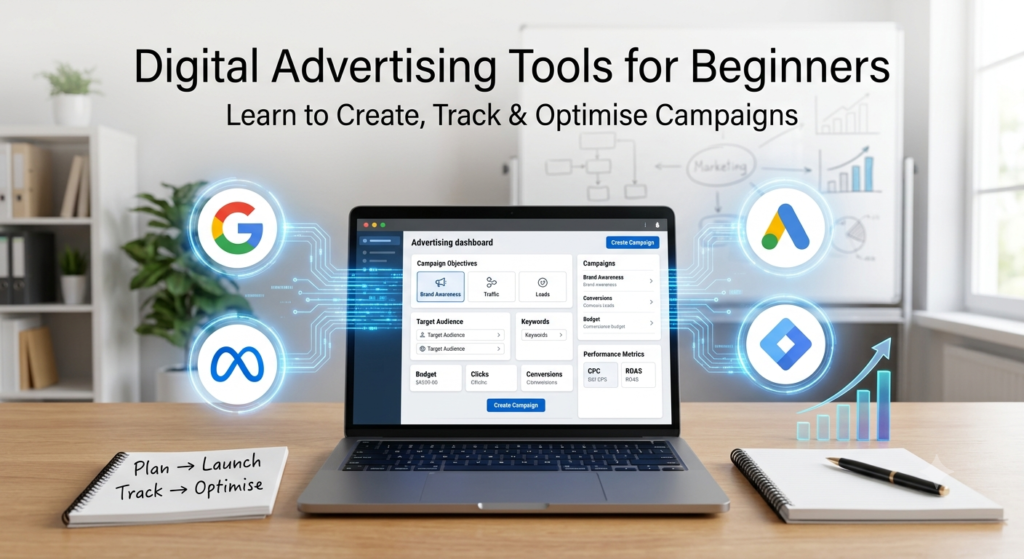
Paid advertising is another important area covered by Digital Marketing Tools Every Beginner Should Learn. Google Ads and Meta Ads Manager are two major platforms that can introduce learners to paid search and social advertising. Beginners should understand that advertising is not simply about creating an advertisement and spending money. Successful campaigns require objectives, audience research, keyword or audience targeting, appropriate creative, budgets, tracking, and continuous optimisation.
A beginner should initially practise with sample campaigns rather than spending significant money. Create a fictional business, define its target audience, choose a campaign objective, write sample advertisements, select keywords or audiences, and decide what conversion should be measured. This approach can help learners understand campaign structure without unnecessary financial risk.
Paid advertising skills to develop
- Google Ads: Digital Marketing Tools Every Beginner Should Learn should include Google Ads because paid search is a valuable professional skill.
- Meta Ads Manager: Practise understanding campaign objectives, audiences, placements, creatives, budgets, and performance metrics. This provides a foundation for paid social advertising.
- Google Keyword Planner: Use keyword research to understand commercial search behaviour and identify relevant terms for hypothetical campaigns. This also reinforces the connection between keyword research and search intent.
- Google Tag Manager: Learn the basic concept of tags, triggers, and variables. Understanding tracking implementation can help beginners communicate more effectively with technical teams.
- Meta Pixel and Conversions API concepts: Beginners should understand how advertising platforms measure website actions. They do not need advanced implementation skills initially, but they should know why conversion tracking matters.
- Ad reporting tools: Learn how to interpret impressions, clicks, click-through rate, cost per click, conversions, and cost per conversion. Reporting skills are necessary for understanding whether an advertising campaign is producing useful results.
How Should a Beginner Build a Digital Marketing Toolkit?
Building a toolkit does not mean signing up for every marketing platform available. Digital Marketing Tools Every Beginner Should Learn should be selected according to the learner’s goals and the skills they want to develop. An SEO beginner may need Search Console, Semrush, Google Analytics, and a spreadsheet before needing advanced social media or advertising platforms.
The best way to learn Digital Marketing Tools Every Beginner Should Learn is through practical projects. For example, a learner can create a sample business website, conduct keyword research, prepare an SEO audit, create social media content, design a few graphics, set up a sample advertising campaign, and prepare a performance dashboard. This connects separate tools into one realistic marketing workflow.
A practical beginner toolkit
- Start with Google Analytics and Search Console: These tools establish a foundation in website measurement and organic search performance. Learn what each report means before moving to more advanced platforms.
- Add an SEO research platform: Choose Semrush or Ahrefs and practise keyword research, competitor analysis, and basic site auditing. Digital Marketing Tools Every Beginner Should Learn should be practised through actual examples.
- Learn one design platform: Canva is sufficient for most beginners starting with digital marketing visuals. Practise creating blog graphics, social posts, banners, and simple advertisements.
- Learn one social scheduling platform: Use a platform such as Buffer or Meta Business Suite to understand content calendars and scheduling. Create a weekly sample calendar for a fictional business.
- Learn advertising fundamentals: Study Google Ads and Meta Ads Manager without immediately spending money. Build sample campaign structures and learn how different metrics are calculated and interpreted.
- Create a reporting workflow: Use Google Sheets or Looker Studio to organise marketing data. Learning how to turn raw information into a clear report can significantly improve a beginner’s professional value.
How Can Beginners Practise Digital Marketing Tools and Become Job-Ready?
Knowing Digital Marketing Tools Every Beginner Should Learn is only the first stage of becoming job-ready. Employers generally value the ability to apply tools to real marketing problems rather than simply knowing their names. A beginner should therefore build small projects that demonstrate keyword research, content planning, SEO analysis, campaign planning, visual creation, and reporting.
For example, a learner can select a fictional local business and create a complete digital marketing project. Start with keyword research, prepare a basic SEO audit, create a content calendar, design social media creatives, develop a sample Google Ads campaign, and create a simple monthly performance report. This type of project demonstrates practical understanding and can also become part of a portfolio.
A step-by-step learning process
- Choose a realistic project: Select a business such as a local restaurant, education company, software provider, or online store. A specific project gives you a clear reason to use Digital Marketing Tools Every Beginner Should Learn.
- Conduct keyword research: Use Google Keyword Planner, Google Trends, or an SEO platform to identify relevant search terms. Group keywords according to search intent and business relevance.
- Analyse the website: Use Search Console, Analytics, and an SEO crawler to identify potential areas for improvement. Record findings in a simple spreadsheet or audit report.
- Create marketing content: Use Google Docs for content planning and Canva for visual assets. Develop sample blog ideas, social posts, featured images, and promotional creatives.
- Build a sample campaign: Create a hypothetical Google Ads or Meta Ads campaign with an objective, target audience, budget, creative concept, and conversion goal. This demonstrates that you understand campaign planning.
- Prepare a professional report: Bring the information together using Google Sheets or Looker Studio. Explain what happened, what the data means, and what actions should be taken next.
Conclusion
Learning Digital Marketing Tools Every Beginner Should Learn can make the transition into digital marketing much easier. Instead of attempting to master every platform, beginners should develop a focused toolkit covering SEO, analytics, content creation, social media, email marketing, advertising, and reporting. Google Analytics, Search Console, Semrush, Canva, Google Ads, Meta Business Suite, and spreadsheet or reporting tools provide a strong starting point.
The real value comes from knowing how to use these platforms together. A digital marketer may use keyword research to identify opportunities, create content to target those opportunities, use analytics to measure website behaviour, promote the content through social media or advertising, and finally prepare a report to evaluate the results. Digital Marketing Tools Every Beginner Should Learn therefore become most valuable when they are treated as parts of a complete marketing process rather than isolated software platforms.
Explore Our Recent Blog
- Instagram Marketing Skills You Should Learn
- Social Media Marketing Tools Beginners Should Know
- What Jobs Can You Get After a Social Media Course?
- Google Ads Course Syllabus for Beginners
- Is Digital Marketing a Good Career in 2026?
Frequently Asked Questions
1. What are the most important digital marketing tools for beginners?
The most important tools include Google Analytics, Google Search Console, Google Keyword Planner, Google Trends, Semrush, Canva, Google Ads, and a social media management platform. Beginners should focus on understanding how each tool solves a particular marketing problem. Practical experience is more valuable than trying to learn every available platform.
2. Should I learn Semrush or Google Search Console first?
Google Search Console is generally a good starting point because it provides direct information about a website’s Google Search performance. Semrush can then be introduced for broader keyword research, competitor analysis, backlink research, and SEO auditing. Learning both eventually gives beginners a more complete understanding of SEO.
3. Do I need to learn paid advertising tools as a beginner?
Learning the fundamentals of paid advertising is useful even if you initially want to work in SEO or content marketing. Google Ads and Meta Ads Manager can help you understand targeting, campaign objectives, budgets, bidding, advertisements, and conversion tracking. You do not need to spend your own money to learn the basic workflow.
4. Is Canva important for digital marketing?
Yes, Canva can be useful because digital marketers frequently work with visual content. Beginners can use it to create social media posts, blog images, presentations, banners, and advertising creatives. Strong basic design skills can make it easier to communicate marketing ideas visually.
5. How long does it take to learn digital marketing tools?
The time required depends on how many tools you want to learn and how regularly you practise. A beginner can learn the basic functions of several important tools within a few weeks, but developing professional confidence requires continuous practice. Creating real or sample projects is one of the fastest ways to turn theoretical knowledge into practical ability.
6. Can learning digital marketing tools help me get a job?
Yes, practical knowledge of relevant tools can strengthen a beginner’s digital marketing profile. Employers may look for familiarity with analytics, SEO, content, social media, advertising, reporting, and productivity platforms depending on the role. A portfolio demonstrating how you used these tools can be more convincing than simply listing them on a CV.
